Monitor – Output devices Computer science topic GCE A level
Back to: Revision Computer Science GCE A/L – Past Questions / Answers
Contents
Visual Display Units (Monitors) as Computer Output Devices GCE A level Computer science lesson
II.5 – Monitor
The monitor is the most frequently used output device for producing soft copy output. A computer monitor is a TV-like display attached to the computer on which the output can be displayed and viewed. Monitors are available in various sizes like 14, 15, 17, 19 and 21 inches. The larger the size of the monitor, the more expensive it is. The size of the display is described based on two parameters: aspect ratio and screen size. Aspect ratio is the ratio of the width of the display screen to the height, that is, the ratio of vertical points to the horizontal points necessary to produce equal-length lines in both directions on the screen.
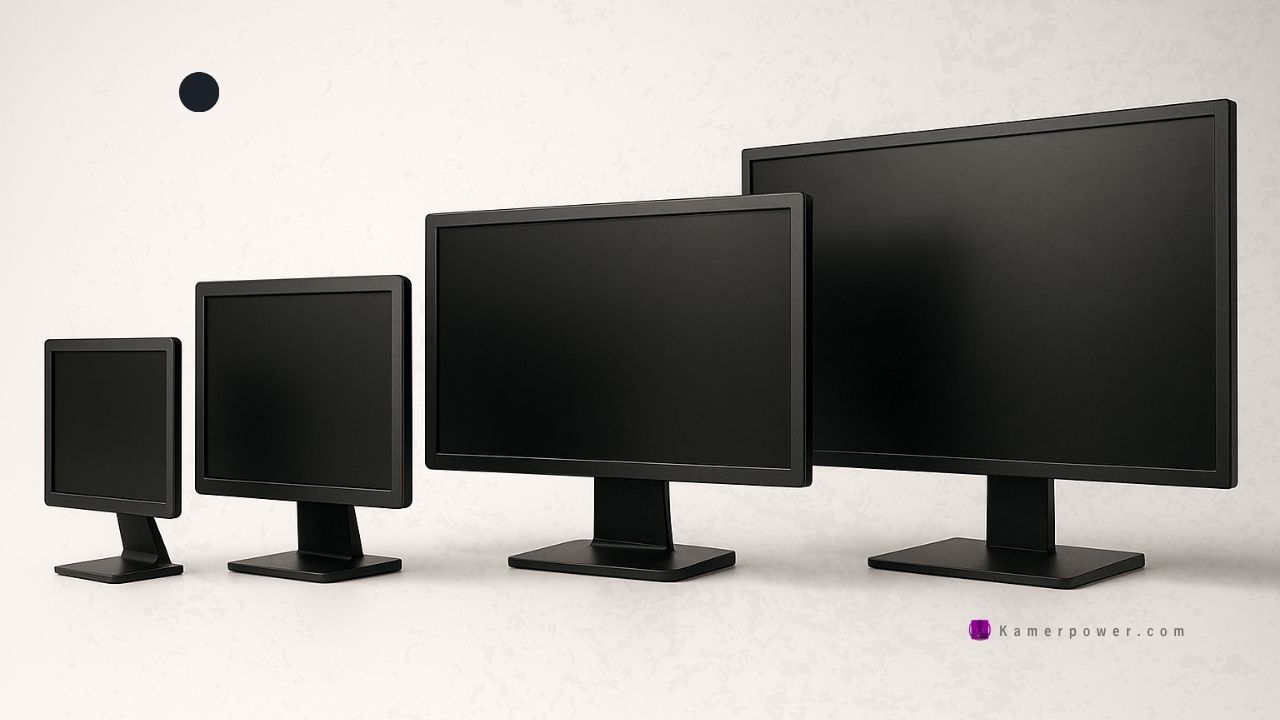
The screen clarity depends on three basic qualities, which are as follows:
Resolution:
It refers to the number of pixels in the horizontal and vertical directions on the screen. A pixel (px) is the smallest portion of an image or display that a computer is capable of printing or displaying. In medium-resolution graphics, pixels are large, whereas in high-resolution graphics, pixels are small. The average CRT display is currently 800 × 600 or 1024 × 768. The more dots or pixels, available to create the image, the sharper it will be.
Dot Pitch:
It is the measurement of the diagonal distance between the two like-coloured (red, green or blue) pixels on a display screen. It is measured in millimetres and common dot pitches are 0.51, 0.31, 0.28, 0.27, 0.26 and 0.25 mm. Smaller the dot pitch, sharper will be the image when displayed on the monitor. Generally, a dot pitch of less than 0.31 mm provides clear images.
Refresh Rate:
It is the number of times per second the pixels are recharged so that their glow remains bright. A refresh rate of 60 Hz means the image is redrawn 60 times a second. The higher the refresh rate, the more solid the image looks on the screen, that is, it does not flicker.
II.5.1 Cathode Ray Tube Monitors
CRT is the electron beams within a monitor that move across your screen either interlaced or non-interlaced hitting phosphor dots on the inside glass tube. Within the CRT are three electron guns, red, green, and blue. Each of these guns streams a steady flow of electrons, left to right, for each line of your monitor.
II.5.2 Liquid Crystal Display Monitors
LCD is a flat display technology used in laptops, cell phones, calculators and, flat screen displays. The LCD is made of two sheets of a flexible polarizing material with a layer of liquid crystal solution between the two. The LCD does not refresh like a traditional CRT monitor, Instead, the display is created by sending various voltages of electricity to cells of liquid crystal causing the liquid crystal to untwist at the rate of electricity applied, generating 64 different shades per cell.
Terms used with screen display
Resolution-this is the number of pixels per inch on the screen usually measured in dots per inch (dpi) or bits. The higher the resolution, the more the number of pixels per square inch, hence clearer the images.
- Display size – It is the measure in inches as the diagonal length of the screen measured from top right to bottom left.
- Pixel – It stands for picture elements. These are tiny dots which form images displayed on the screen.
- Color depth – Color depth or bit depth is the number of bits used to indicate the color of a single pixel in a bitmapped image or video frame buffer in computer graphics.
- DirectX – This is a software that enhances the multimedia capabilities of your computer. DirectX provides access to the capabilities of your display and audio cards, which enables programs to provide realistic three-dimensional (3-D) graphics and immersive music and audio effects.
Examples of video adaptors
- Super Video Graphic Array(SVGA) – Displays text and graphics using more than 16 million colors, has a minimum resolution of 800x 600 pixels.
- Extended Graphic Array (XGA) – Has a resolution of up to 1024 x 1280 pixels and is popular with 17 and 19 inch monitors.
- Color Graphic Adaptor(CGA) – Display text and images up to 16 colors.
- Enhanced Graphic Adaptor (EGA) – An improvement of CGA but also displays in 16 colors.
- Video Graphic Array(VGA) – Display text, graphics and video using 256 colors.
- Super Extended Graphic Array(SXGA) – Has a resolution of 1280 x 1024 pixels and is popular with 19 and 21 inch monitors.
II.6 – Other Kinds of Monitors
Thin-film Electroluminescent Display:
This display is similar to the plasma display except the fact that the space between the glass plates is filled with phosphorescent substance (usually zinc sulfide doped with manganese) instead of gas. The main problem with thin-film electroluminescent displays is that they require more power.
Plasma Display:
A plasma display (also known as thin-panel) is constructed by filling a gas (neon or xenon) between the two glass plates. One glass plate consists of vertical conductors and the other consists of horizontal conductors. The advantage of plasma display is that it has the capability of producing more than 16 million colors and is lighter and less bulky than CRT. However, it is heavier than LCD display and requires more power.
Projectors
Projector is an output device, which is used to project information from a computer onto a large screen, so that it can be simultaneously viewed by a large group of people. Projection display is commonly used for classroom training or conference room or for multimedia presentations with a large audience. Like monitors, projectors provide a temporary, soft copy output.